Control4 upgrades
Control4 app stopped working? Or just getting older?
Some older systems lost their connection in August 2026. Others still work and are simply getting older.
Which one sounds like your house?
Most likely an HC controller
You haven’t done anything wrong, and there is a fix.
The box that runs your house is too old for Control4’s current service. Everything still works from the keypads and remotes at home. The fix is a new box; your lights, rooms, scenes and schedules stay exactly as they are.
Most likely an EA controller
Working, and worth planning.
You don’t have to do anything. An EA-series box still does its job. Upgrading gets you a faster controller and the newest features, and it’s easier to plan than to do in a hurry after a failure. We’ll tell you honestly whether it’s worth it for your house.
Find out in a minute
Read the label on the box.
It’s the black box in your equipment cupboard or rack, with the model on the front. Not sure? Tell us what you see and we’ll tell you what you have and what it needs.
What the label means
- HCUpgrade needed. The app has stopped working away from home and there are no more updates.
- EAWorking, and worth planning. Still supported, but getting older.
- COREYou’re current. Nothing to do. A Care plan keeps it that way.
What’s going on
The same answer, two ways.
It’s like a phone that no longer gets updates.
Everything in the house still works from the keypads and remotes. What stopped on the oldest systems is anything that reaches the house from outside: the app when you’re away, and voice control. Some older systems lost that connection in August 2026. Others still work and are simply getting older.
- Affected systems
- Control4 OS 2, and HC-series controllers (for example HC-250 and HC-800).
- Not affected, but ageing
- EA-series controllers (EA-1, EA-3, EA-5). They run current Control4 software and keep remote access. Moving to CORE is optional.
- What ended
- Control4 ended cloud services and remote access for OS 2 systems in August 2026.
- The upgrade
- We replace the controller with a current CORE model, move the system to the latest Control4 software, and bring your rooms, scenes and schedules across.
- What stays
- Your lighting, keypads, speakers, screens and wiring.
After the upgrade
What changes, and what stays.
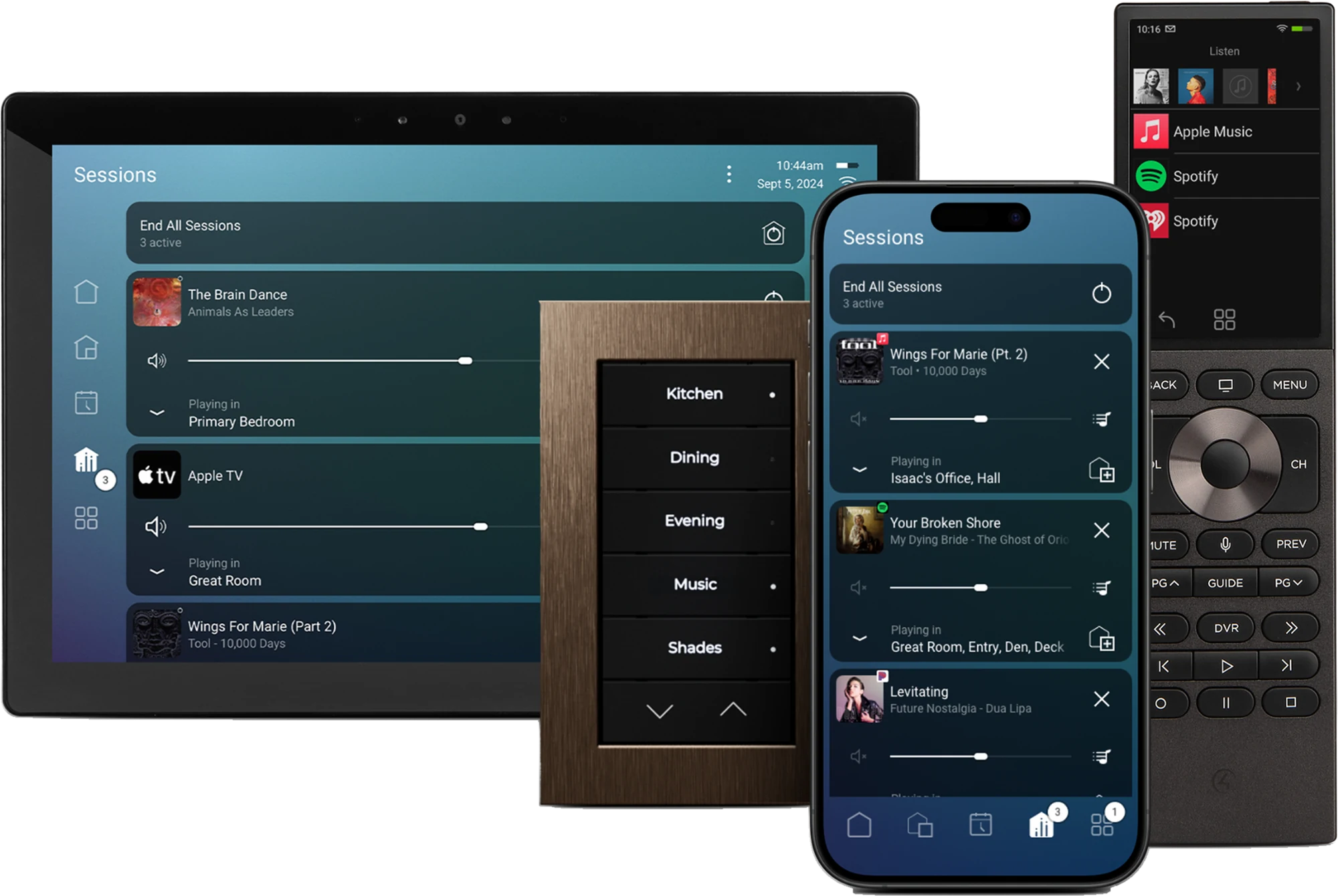
The controller and its software change. Your lighting, keypads, speakers, screens and wiring stay, and your rooms, scenes and schedules come across as they are, on the current Control4 app.
Touchscreens
Every room and scene on the wall, with music and cameras a tap away.
Keypads
The engraved buttons you use every day. They stay, and keep working as they always have.
The phone app
The whole house from your phone, at home or away.
Remotes
One remote for the TV, the music and the lights in that room.
What happens
Three steps, and you decide at the second.
- 1
We check
If we installed or look after your system, we check it remotely first at no charge. Otherwise we start with a system review.
- 2
We quote
You get a price before anything is ordered. It depends on the controller and how many rooms it runs.
- 3
We upgrade
A new controller, the latest software, and every room tested before we leave.
Up to20%off
Save on new hardware.
Upgrades qualify for up to 20% off replacement Control4 hardware, to a maximum of $5,000.
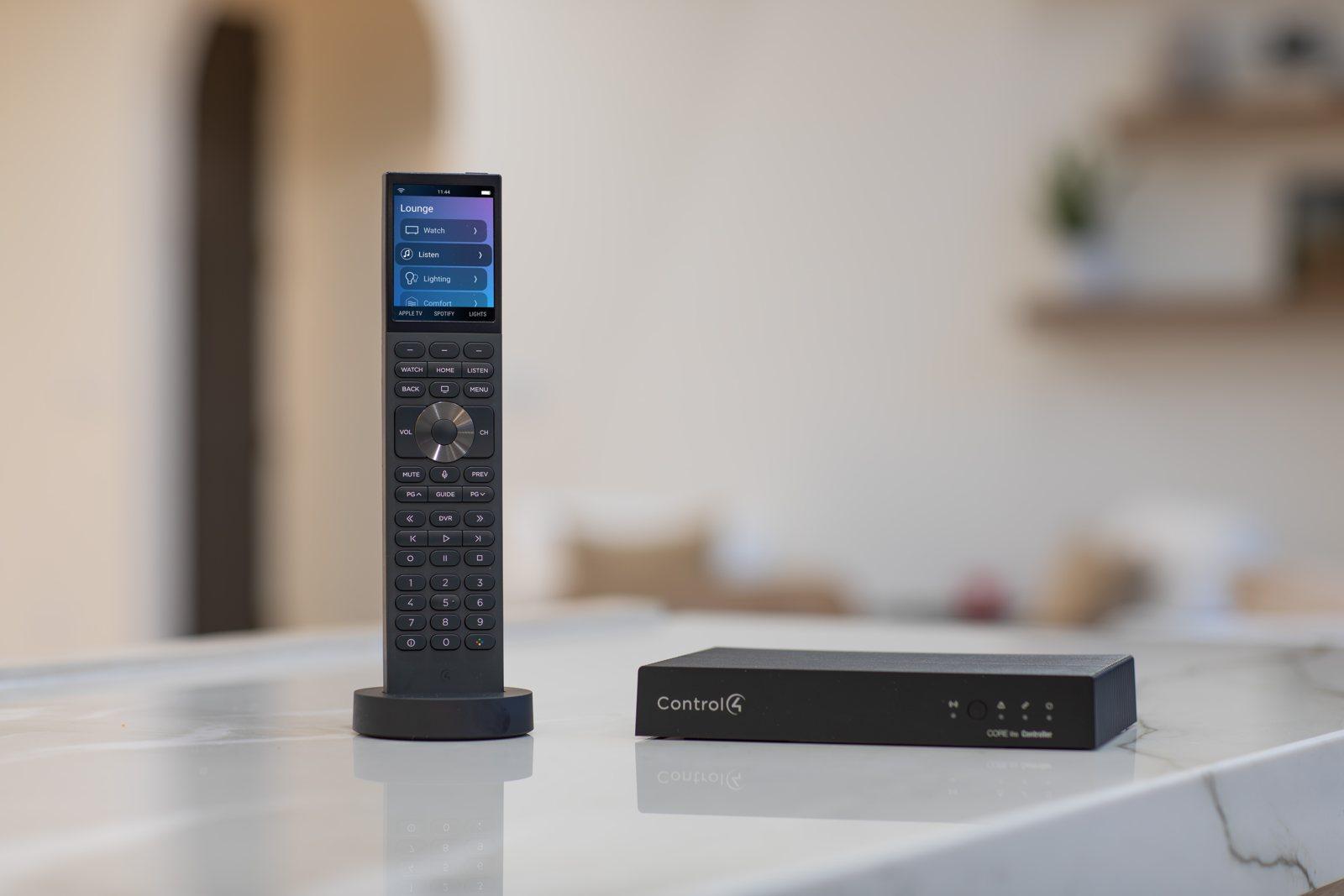
Halo remote and CORE controller. Photo: Control4.
Questions
My system still works. Why would I upgrade?
You may not need to. If the label starts with EA, the system is still supported. People upgrade when they renovate, add rooms or want newer features, or to avoid replacing an ageing controller in a hurry.
How much does it cost?
It depends on the controller you have and how many rooms it runs. If we installed or look after your system, we check it remotely first at no charge, then quote the upgrade. Upgrades are eligible for up to 20% off replacement Control4 hardware, to a maximum discount of $5,000.
Let’s check your system.
Tell us what you’re seeing. If we look after your system, we’ll check it remotely first at no charge.