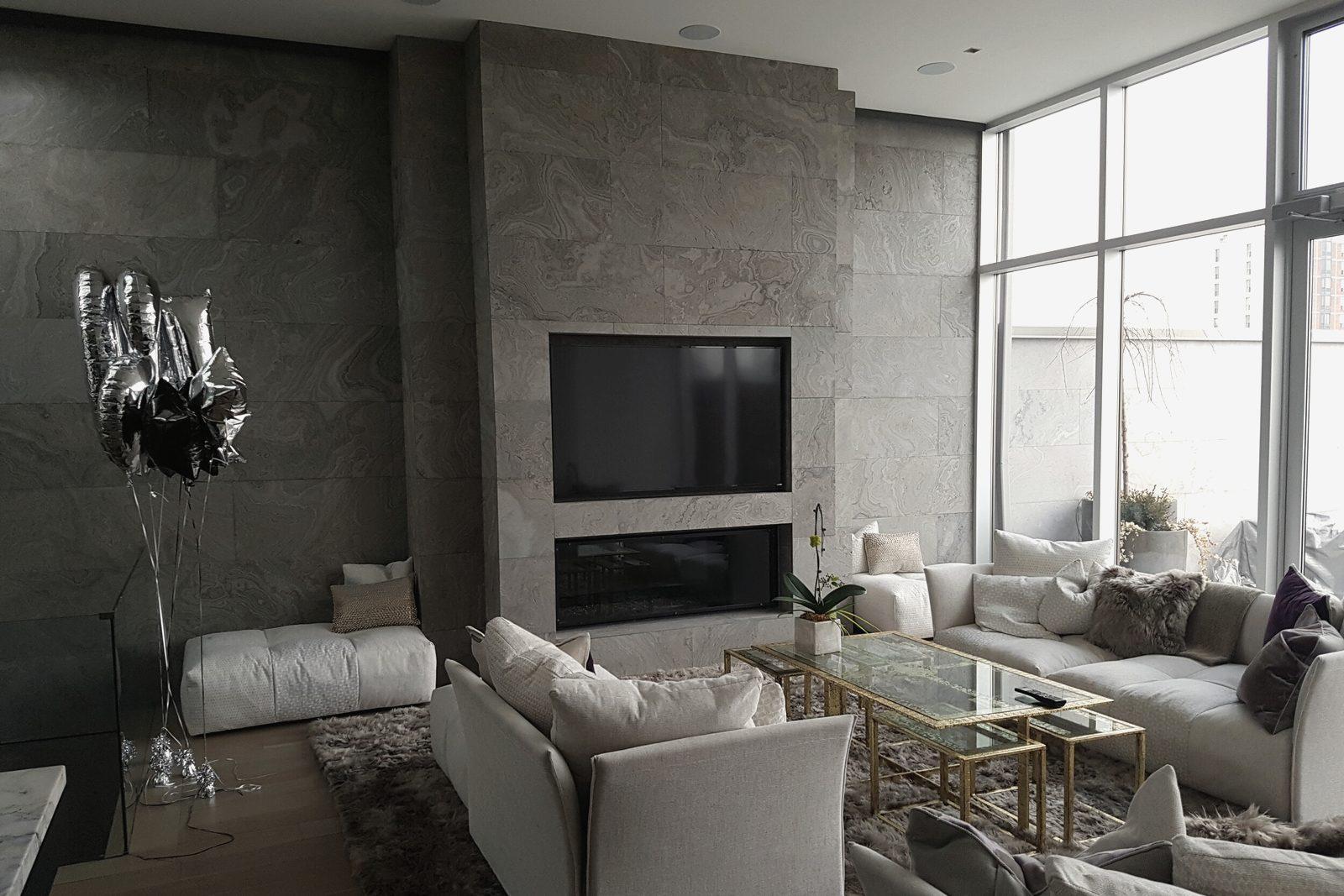
Home automation that runs the whole house
Lights, shades, music, TV, locks and temperature on one system, so the house handles the routine things for you.
What you get
One system, and it’s simple to use.
- 01
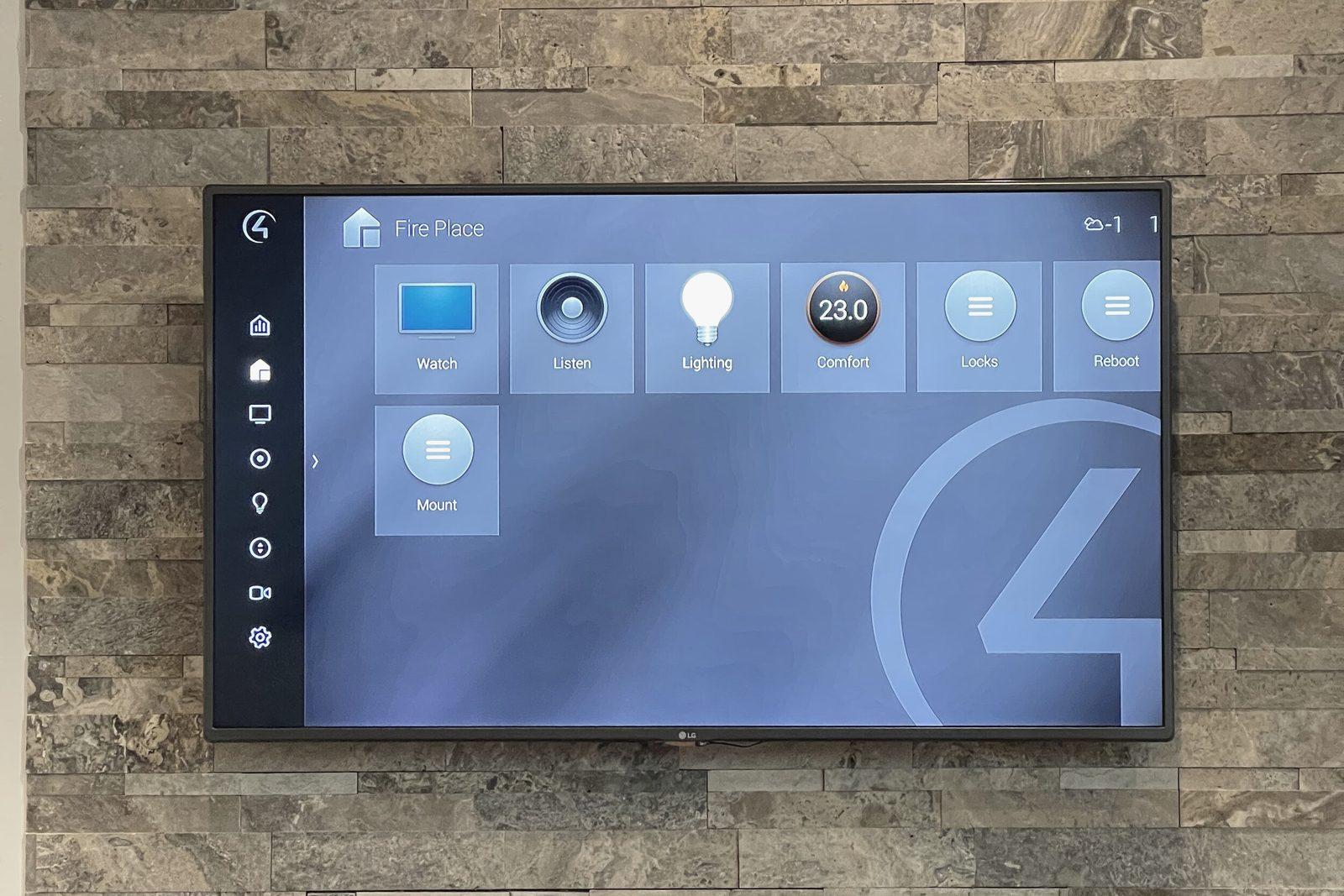
One app in place of many
Lights, music, TV, locks, cameras and temperature in one Control4 app.
- 02
One button for a whole routine
“Goodnight” turns off the lights, lowers the shades, locks the doors and sets the temperature.
- 03
The same control in every room
A keypad on the wall, a remote on the sofa, a touchscreen in the kitchen. They all work the same way.
- 04
The house at a glance when you’re away
Check that the doors are locked and the garage is closed, and answer the front door from your phone.
- 05
Room to grow
Start with a few rooms. The system is built so more can be added later.
One button, the whole routine
- LightsDimmed
- ShadesClosed
- TV and musicTheatre on
- DoorsLocked
- Temperature21°
Illustration. Try the buttons. Your routines are set with you.
What’s involved
What goes in, and how it fits.
Most of it lives in one equipment rack, out of sight. These are the parts you’ll hear us talk about.
The controller
A Control4 controller runs the house. Everything else connects to it.
Keypads, remotes and touchscreens
Engraved buttons on the wall, one remote per room, a touchscreen where it’s useful.
The app
The whole house on your phone, at home or away.
The equipment rack
Audio, video and network equipment in one place, ventilated, labelled and tidy.
The home network
Everything depends on it, so it’s designed with the system.
What it connects
Lighting, shades, speakers, TVs, locks, cameras, thermostats and garage doors.
New build, renovation or finished home
The best time to plan is before the walls close, so the wiring goes in once. In a finished home we use the wiring you have and add wireless where it works well.
How it works with the rest
Automation is what ties the other parts together. Each works by itself, and better as part of one system.
- Home automation
The controller, the app and the routines on this page.
- Lighting control
Scenes for every room, on engraved keypads.
- Motorized shades
Shades that move with the lights and the time of day.
- Home theatre
One remote starts the screen, the sound and the lights.
- Home networking
The system is only as reliable as the network under it.
Our work
Homes running on one system.
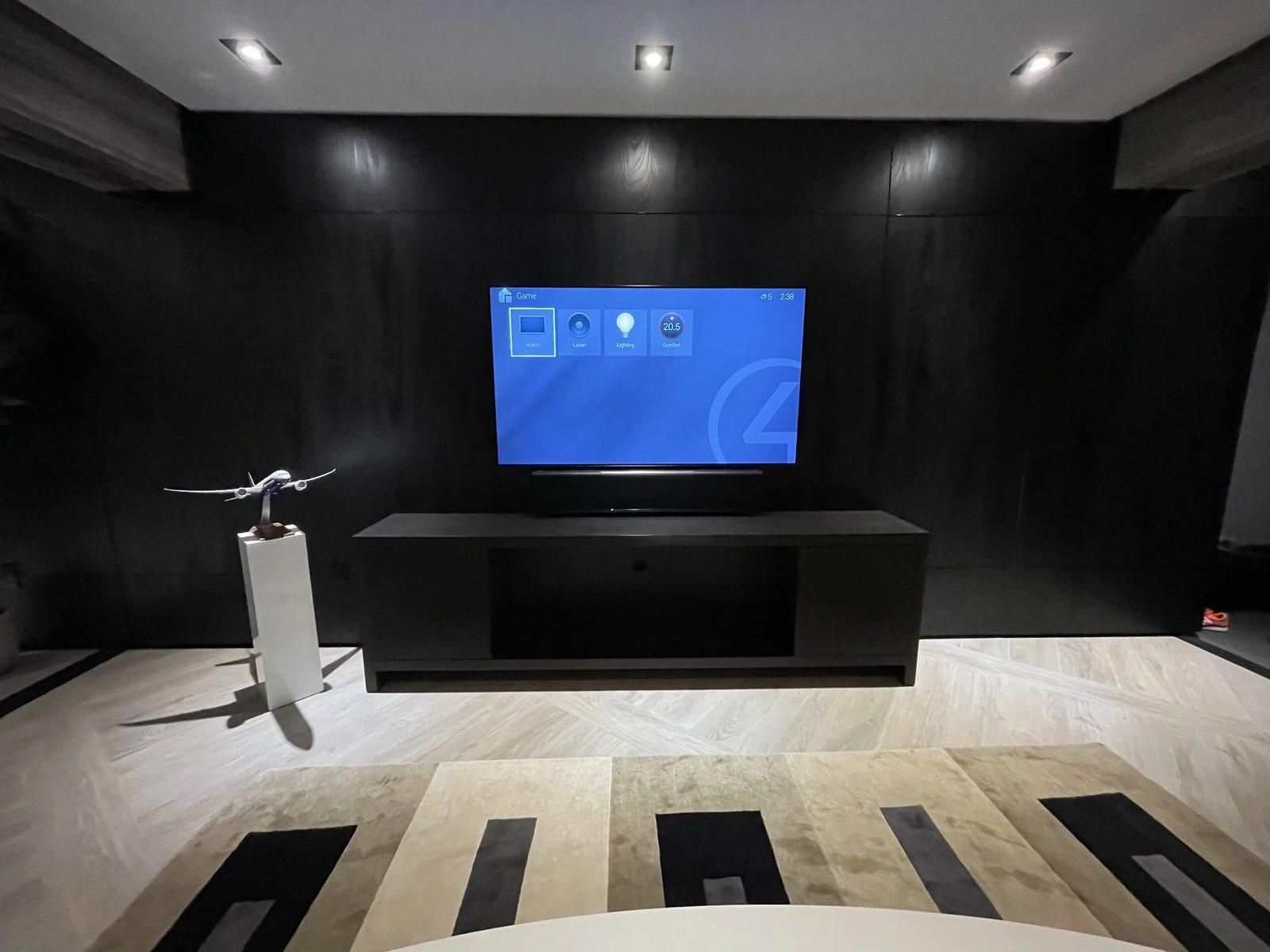
A media wall with the equipment out of sight
How a project runs
From the first conversation to handover, and after.
- 1
First conversation
You tell us how you live in the house and what you want it to do. At your home, over your plans, or at the Experience Centre.
- 2
Design and proposal
We go through the house room by room and agree what each room should do and how you’ll control it. You get a written proposal before anything is ordered.
- 3
Installation
Wiring first, then equipment, alongside your builder and designer. Programming is done before handover.
- 4
Handover
We walk the house with you, button by button, and set up the app on your phones. After you’ve lived with it, we adjust.
- 5
Care
After handover, a Care plan keeps the system up to date, and we can see and fix many problems remotely.
Questions
What clients ask about automation.
Do I need to do the whole house at once?
No. Many clients start with the main floor or the rooms they use most. We plan the wiring for the whole house so adding rooms later is simple.
Will it work if the internet goes down?
Inside the house, yes. Keypads, remotes and routines keep working. Control from your phone while you’re away needs the internet.
Can it work with what I already have?
Often. Control4 works with many makes of TV, speaker, lock, thermostat and camera. We check what you have before recommending anything new.
Is it hard to use?
It shouldn’t be. Buttons are engraved with what they do, and every room works the same way, so guests can use it too.
I already have a Control4 system. Can you look after it?
Yes. See Control4 upgrades if it’s getting older, or Switching dealers if you need someone new to look after it.
What happens after it’s installed?
A Care plan keeps the system up to date, and we can see and fix many problems remotely.