A home network that just works
A network designed for your house, so the Wi-Fi is strong in every room and everything that depends on it stays connected.
If this sounds like your house
- Dead zones across a large house
- Video calls that drop
- Cameras and streaming competing
- Smart devices going offline
What you get
Strong, steady Wi-Fi in every room, and outside.
- 01
Coverage where you use it
The bedrooms, the home office, the basement and the patio, not just the room with the box in it.
- 02
Calls that hold
A video call stays up when you walk from the office to the kitchen.
- 03
Room for everything at once
Cameras, streaming, gaming and work calls, without one slowing the others.
- 04
Smart devices that stay online
Doorbells, thermostats, speakers and TVs stay connected, so the rest of the house is reliable.
- 05
A separate network for guests
Visitors get online without getting into your devices.
Where the signal reaches
One box in a corner of the house. The rooms near it are fine. The far bedrooms, the living room and the patio are not.
Illustration. Your plan is drawn from your own floor plans.
What’s involved
A network designed for the house.
It replaces the internet provider’s all-in-one box with professional-grade equipment, each part doing one job well. Your internet service stays as it is.
Wired access points
On ceilings or walls, each one wired back to the rack and placed from a plan of the house.
A router built for the load
Sized for the number of people and devices in the house.
Wired connections
For TVs, the home office and anything else that doesn’t move.
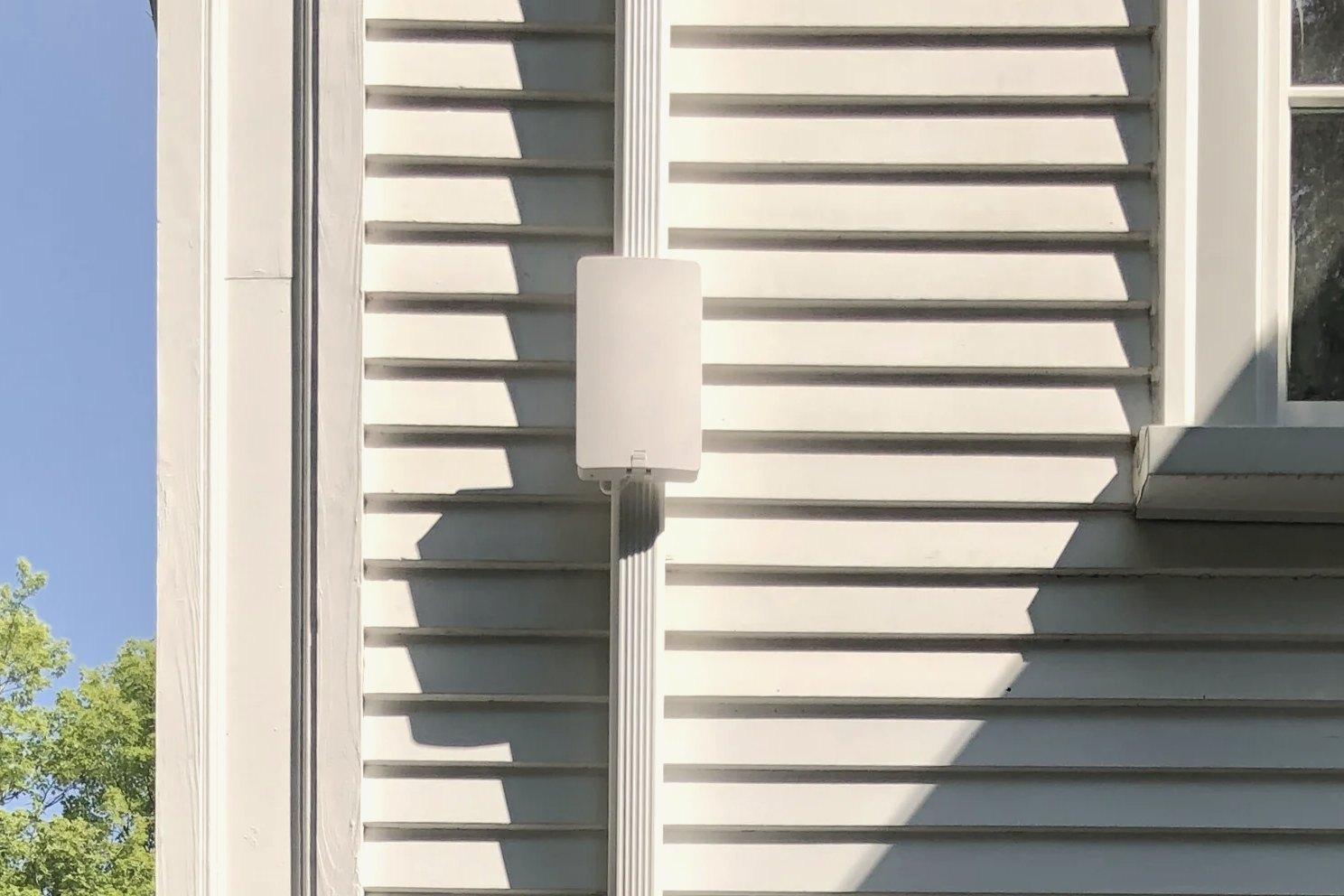
Outdoor access points
For the patio, the pool and the garden.
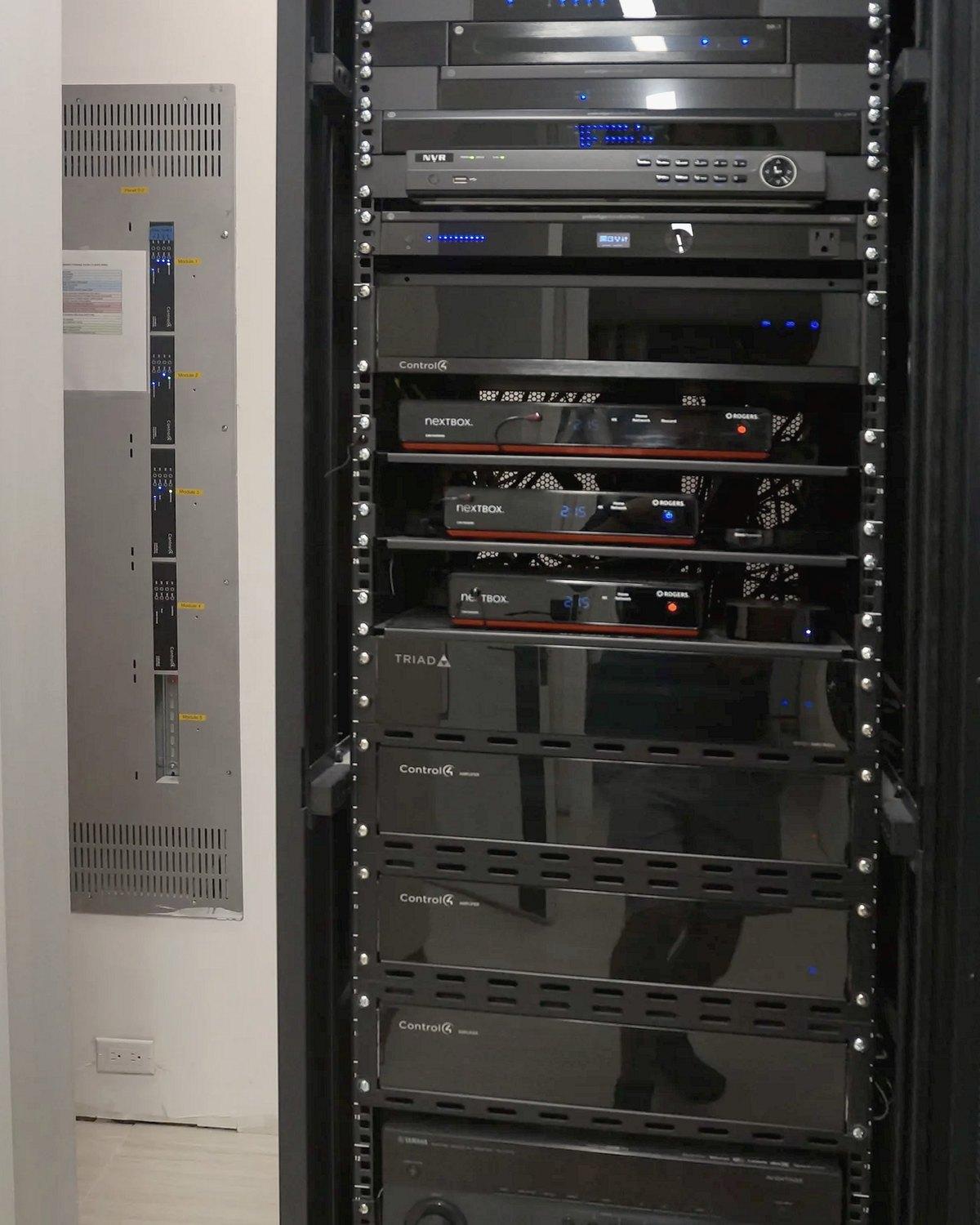
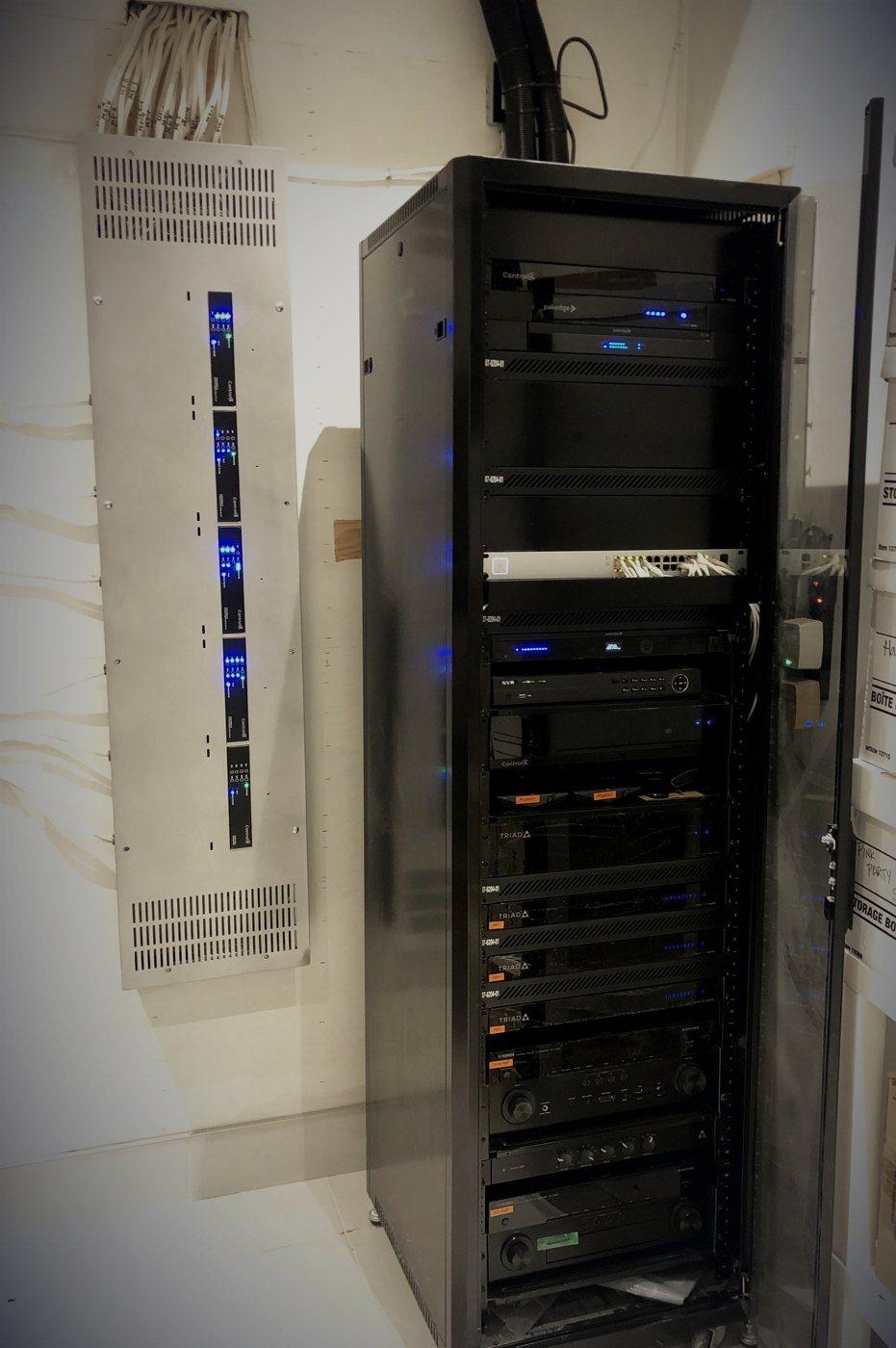
One tidy place for it
Equipment in a rack or cabinet, labelled, with space to add to.
Remote support
The equipment lets us see what’s wrong and fix many problems without a visit.
Who it’s for
Larger homes, home offices, and houses with a lot of connected devices. If the box from your internet provider already covers your home well, you may not need this, and we’ll say so.
How it works with the rest
Everything else we install runs on the network, so we design them together.
- Home networking
The equipment and coverage plan on this page.
- Home automation
Every Control4 system runs on the network under it.
- Home theatre
4K streaming and gaming without buffering.
- Lighting control
Keypads work without it. The app needs it.
How a project runs
From the first conversation to handover, and after.
- 1
First conversation
You tell us how you live in the house and what you want it to do. At your home, over your plans, or at the Experience Centre.
- 2
Design and proposal
We work from your floor plans, or walk the house, and mark where each access point and cable goes. You get a written proposal before anything is ordered.
- 3
Installation
Cabling first, then equipment. In a finished home we use existing cable routes where we can and keep new openings to a minimum.
- 4
Handover
We test the signal in every room with you, set up your network names and passwords, and move your devices over.
- 5
Care
After handover, a Care plan keeps the system up to date, and we can see and fix many problems remotely.
Questions
What clients ask about networks.
Do I keep my internet provider?
Yes. Your internet service doesn’t change. We replace the Wi-Fi from the provider’s box with a network designed for your house.
How is this different from a mesh kit?
Mesh kits pass the signal from box to box through the air, and lose speed each time. Here every access point has its own wired connection, so each one delivers full speed.
Does it need new cabling?
Usually some, because each access point is wired. In a new build it goes in with everything else. In a finished home we plan routes that avoid opening finished walls where we can.
Is this only for large homes?
Mostly. It’s designed for larger homes, home offices and houses with many connected devices. In a smaller home one good access point is sometimes all that’s needed, and we’ll tell you if that’s the case.
What happens if something goes wrong later?
Tell us. We can see and fix many problems remotely, and Care plan members get a faster response.
Can it be done at the same time as other work?
Yes, and it’s the best time. The network is planned with the lighting, audio and video so the cabling goes in once.