Home security you can see from anywhere
An alarm, cameras, a video doorbell and smart locks on the same system as the rest of the house, so you can see who’s there and know the house is secure.
What you get
Know what’s happening at home, wherever you are.
- 01
An alarm that’s part of the house
Setting the alarm can also lock the doors, close the garage and turn off the lights.
- 02
See who’s at the door
Answer the front door from your phone or the kitchen touchscreen, and let someone in if you choose.
- 03
Cameras you’ll actually check
Every camera on your phone and on any TV in the house, in the same app as everything else.
- 04
Know the house is locked
Lock the doors and close the garage from bed, or from the airport.
- 05
Video kept at home
Recordings are stored on a recorder in your house, and you decide who can see them.
What the house does for you
Away: alarm set, doors locked, garage closed, and every camera a tap away.
Illustration, seen from above. Your plan is drawn for your property.
What’s involved
What goes in, and how it fits.
Most of it is out of sight. These are the parts you’ll hear us talk about.
The alarm system
Door and window contacts, motion sensors and a keypad, installed by New Wave. A partner company monitors it.
Cameras
Wired, so the picture is steady, and placed for what each one needs to see.
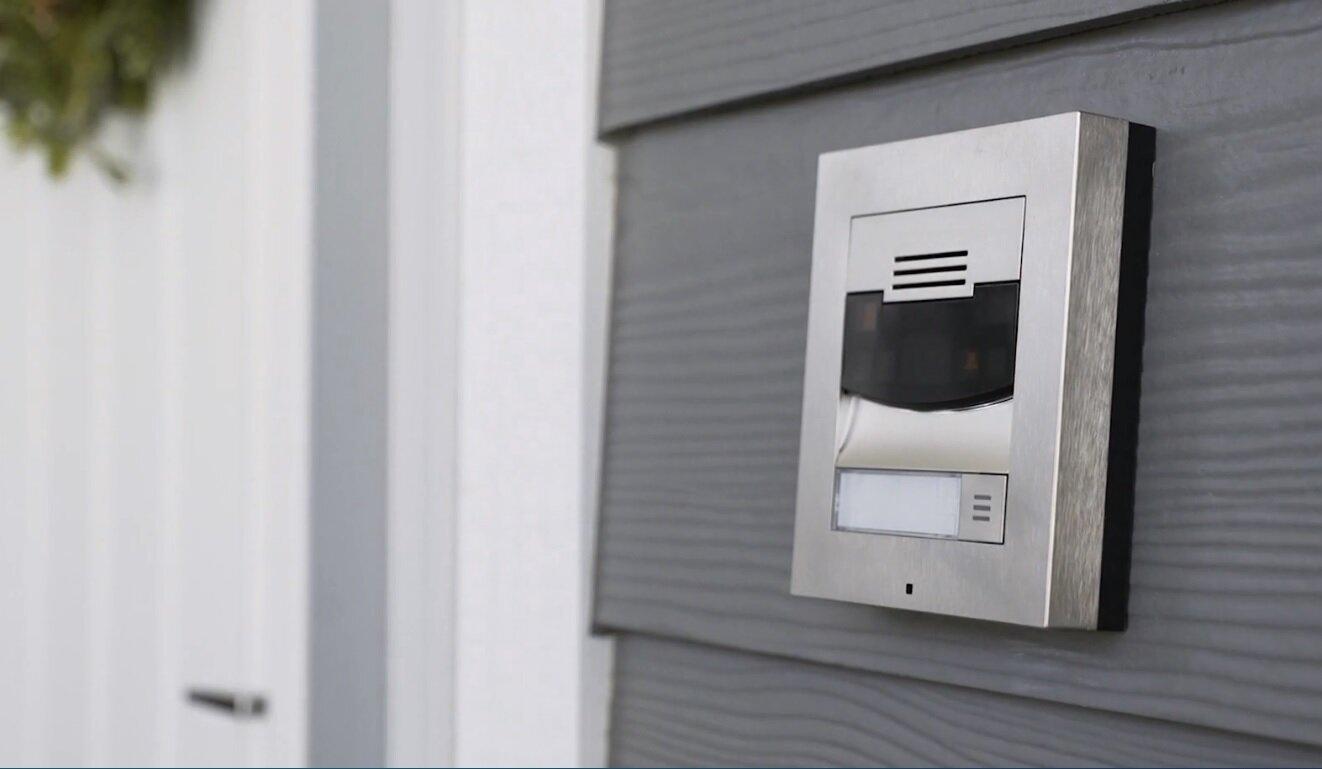
Video doorbell or door station
See and speak to whoever is at the door or the gate.
Smart locks, garage and gate
A code for each person, and doors you can check and close from the app.
The recorder
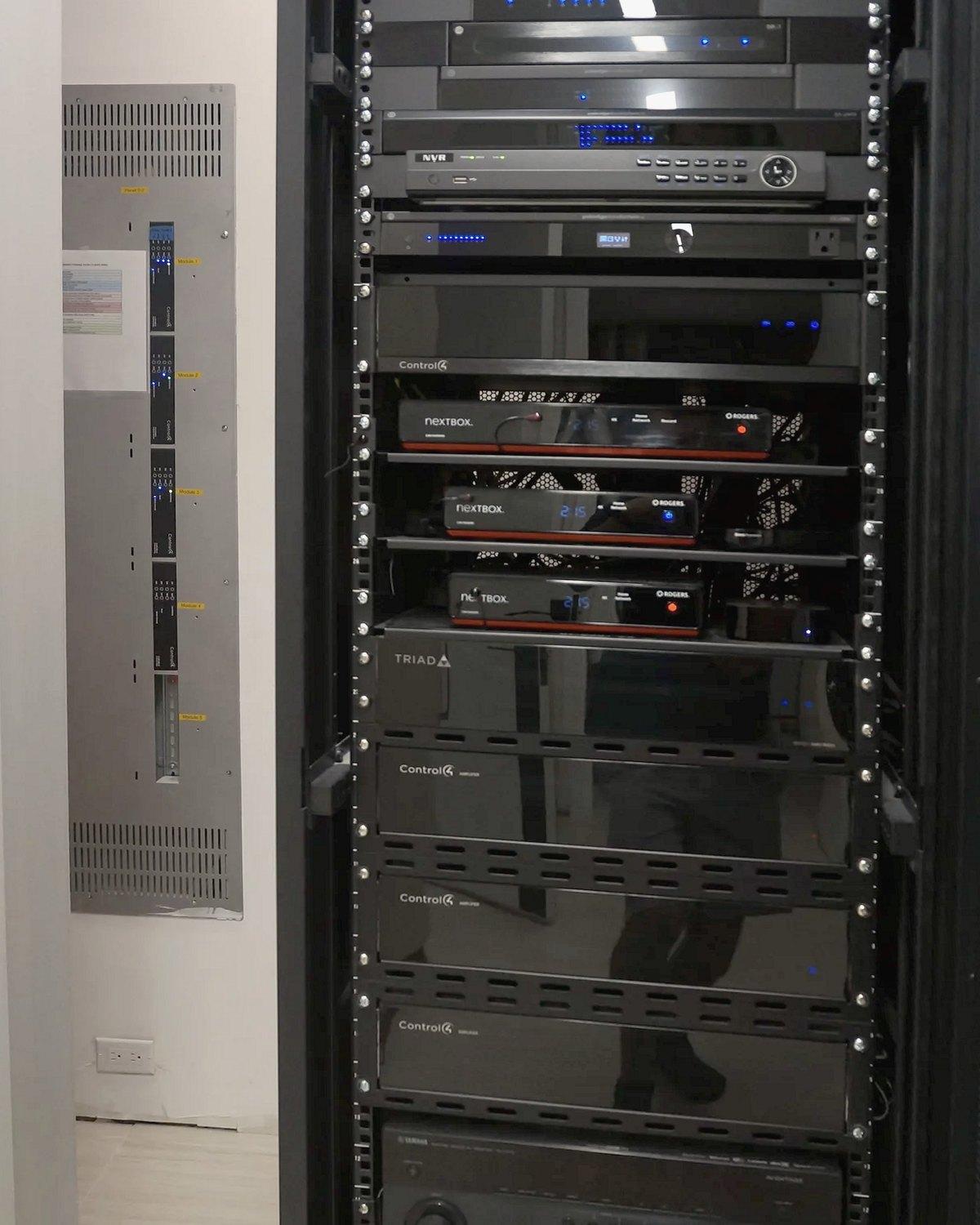
In the equipment rack, recording every camera.
The app
Cameras, locks and the door in the same Control4 app as the rest of the house.
Who it’s for
Homes that want the alarm, cameras, the front door and the locks working as one system with the lights and the rest of the house. If all you need is a single doorbell camera, a store-bought one will do, and we’ll say so.
How it works with the rest
Security works best when the house reacts, not just records.
- Home security
The alarm, cameras, door station and locks on this page.
- Lighting control
Outside lights come up when the doorbell rings after dark.
- Home networking
Cameras depend on a wired, reliable network.
- Home theatre
The front door camera can appear on the TV when someone rings.
- Home automation
“Away” sets the alarm, locks the doors, closes the garage and sets the lights.
How a project runs
From the first conversation to handover, and after.
- 1
First conversation
You tell us how you live in the house and what you want it to do. At your home, over your plans, or at the Experience Centre.
- 2
Design and proposal
We walk the property and agree what the alarm covers, what each camera should see, and which doors get locks. You get a written proposal before anything is ordered.
- 3
Installation
Cabling goes in first, kept out of sight where we can. The alarm, cameras, door station, locks and recorder follow.
- 4
Handover
We set up the app on your phones, show you how to find a recording, and agree who else gets access.
- 5
Care
After handover, a Care plan keeps the system up to date, and we can see and fix many problems remotely.
Questions
What clients ask about security.
Can I see my cameras when I’m away?
Yes, from the app on your phone. That needs the internet at home to be working.
Where is the video stored?
On a recorder in your home. You decide who has access, and we set that up with you.
Do you install alarm systems?
Yes. We sell and install alarm systems, and connect them to the rest of the house so the alarm, the locks and the lights act together.
Who monitors the alarm?
A monitoring partner we work with. We install the system and set up the monitoring with them as part of the job.
Will it work with the alarm, cameras and locks I have?
Often. Many can be brought into Control4. We check what you have before recommending anything new.
What happens after it’s installed?
A Care plan keeps the system up to date, and we can see and fix many problems remotely.